


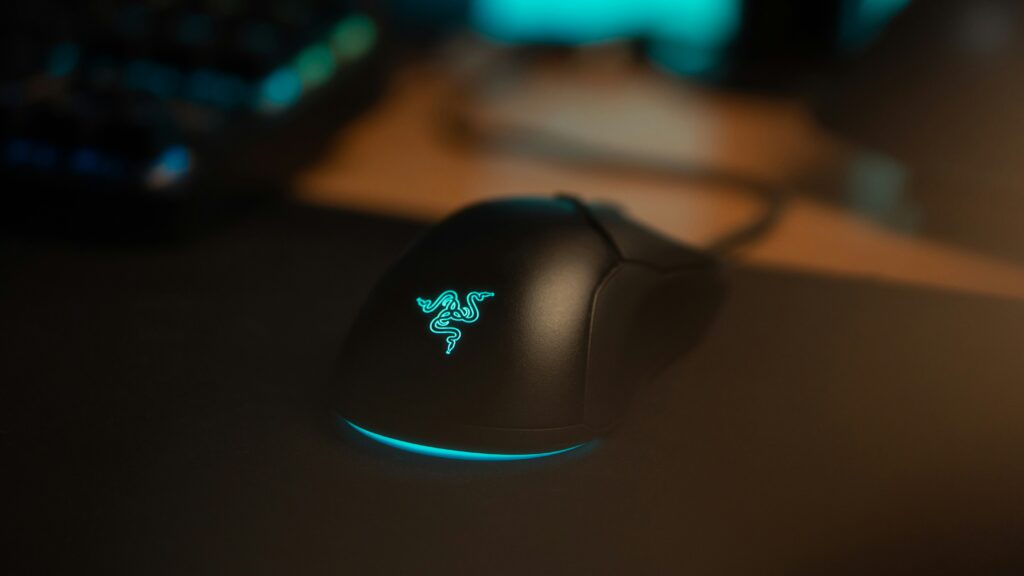
You’re in the final circle. You’ve got the drop on a guy who’s clearly playing on a TV from 2012. You line up the head shot, click once, and, instead of a clean kill, your gun fires twice, recoils into the stratosphere, and alerts the entire lobby to your incompetence.
Congratulations. You’ve been betrayed by a three-cent piece of bent copper.
The double-click issue is the hardware equivalent of a haunting. You think you’ve exorcised it, you think the mouse is behaving, and then at the exact moment you need a precise input, the ghost in the machine decides to ruin your night again. Yeah you won’t be winning your platinum promotion match tonight buddy.
Manufacturers love to brag about “20 million click lifespans,” which is technically true in a sterile lab where a robot arm hits a button. In the real world, where there’s humidity, Cheeto dust, and the raw fury of a lost promotion match, those numbers are pure fiction.
High-polling rate mice are great, but they are a waste of money if your budget gaming build is bottlenecking your input latency at the system level.
The Anatomy of a Betrayal
Most budget (and, frankly, “premium”) gaming mice use mechanical micro-switches. Inside that little plastic box is a tiny tensioned spring. When you click, that spring hits a contact point, completing the circuit.
The problem? Bean counters. To save a fraction of a penny, companies use cheap alloys that oxidize or lose their “springiness.” Eventually, the signal “chatters.” Instead of one clean electrical spike, the mouse sends a messy cluster that the firmware interprets as you being a caffeinated squirrel.
The 2-Minute Resuscitation
If you aren’t ready to drop $150 on a mouse with optical switches (which use light beams and actually solve the problem), you have to perform some field surgery. We aren’t soldering today, we’re just cleaning up the mess.
The Tool: A can of Electronic Contact Cleaner (WD-40 makes one, just don’t use the regular “fix my door hinge” blue can unless you want to turn your mouse into a fire hazard).
- Unplug the patient. We aren’t trying to create a circuit-bending project
2. The Access Point: You don’t even need to take the mouse apart yet. Locate the tiny gap between the mouse button and the shell.
3. The Blast: Stick the straw in that gap, aiming toward where the switch lives. Give it one short, sharp burst of contact cleaner.
4.The Workout: Click that button like you’re trying to win a 1990s Mario Party minigame. Do it for 30 seconds straight. This works the fluid into the switch, breaking up oxidation and flushing out the microscopic gunk.
5. The Wait: Let it dry for a minute (contact cleaner evaporates faster than your hopes of a GPU MSRP drop).
Why This Works
The cleaner removes the oxidation layer on the metal contacts that causes the “chatter.” It’s not a permanent cure. Eventually, that cheap metal will fail for good, but it’ll get you through the season without you throwing your hardware through a window.
The “Debounce” Lie
If you’ve ever wondered why your mouse worked perfectly for six months and then suddenly lost its mind, it’s because of debounce delay.
Because mechanical switches are basically just two pieces of metal slamming together, they don’t produce a clean “on” signal. They vibrate or “bounce” for a few milliseconds. To fix this, mouse firmware has a built-in delay that tells the computer: “Wait a second for the vibrating to stop before you register another click.”
As your cheap switch wears down, that vibration lasts longer than the firmware expects. The “chatter” outruns the software. It’s a literal physical breakdown that no amount of “gaming mode” settings can fix.
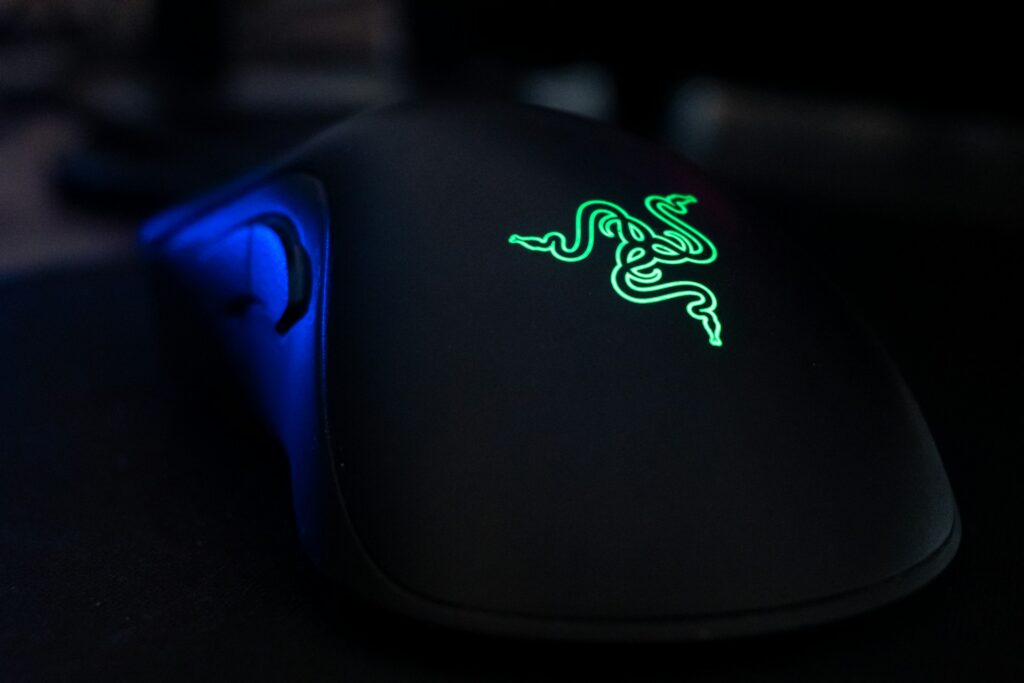
The Solution: Stop Using 19th-Century Technology
- How they work: Instead of metal touching metal, an optical switch uses an infrared light beam. When you click, you’re just blocking a laser.
- Why they win: No physical contact means no oxidation, no “chatter,” and zero debounce delay. You can’t “double-click” an optical switch because there’s no metal spring to get tired and cranky.
- The Catch: They used to feel “mushy” compared to the crisp click of a mechanical Omron switch. But we’re in 2026; the tech has caught up.
The gap has closed so much that clinging to mechanical switches for the ‘tactile feel’ is starting to look like a move for the sake of nostalgia. Unless you’re a professional eSports athlete with reflexes measured in nanoseconds, you’re not going to miss the old metal springs, you’re just going to miss the headaches.
The “Buy It Once” Checklist
When you finally give up on your current double-clicking paperweight, don’t just buy the one with the most RGB. Look for these specs:
| Feature | Why it matters |
| Optical Switches | Immune to the double-click plague. Period. |
| Hot-Swappable Sockets | Found in brands like ASUS or boutique enthusiast mice. If a switch dies, you just pull it out and plug in a new one like a Lego brick. |
| Paracord Cables | If it’s wired, make sure it’s flexible. Stiff rubber cables are just anchors for your mistakes. |
| No Bloatware | If the mouse requires a 500MB driver suite just to change the DPI, it belongs in the bin. |
The Verdict
The industry keeps selling us mechanical switches because they’re cheap to make and they guarantee you’ll be back in the store in eighteen months. It’s the “lightbulb conspiracy” but for middle-lane ganks.
Clean your current mouse, get those extra few months of life out of it, and start saving your lunch money for something that uses light instead of prayers to register your shots.
Phew, now thats cleared things up, I bet your wondering about those mechanical gaming keyboards, red, blue, what? If you want that cleared up check it out here!


Leave a Reply